Run flink application locally on ubuntu
Running flink application locally is really fun and nice way to learn flink. As mentioned in my other posts I have been really enjoying working in Java and Flink. I really love to run the app locally and test some concepts like Watermark, Checkpoint, different windows, timers (processing/eventtime based), savepoint etc.
The easiest setup I found is, download flink binaries and run then locally.
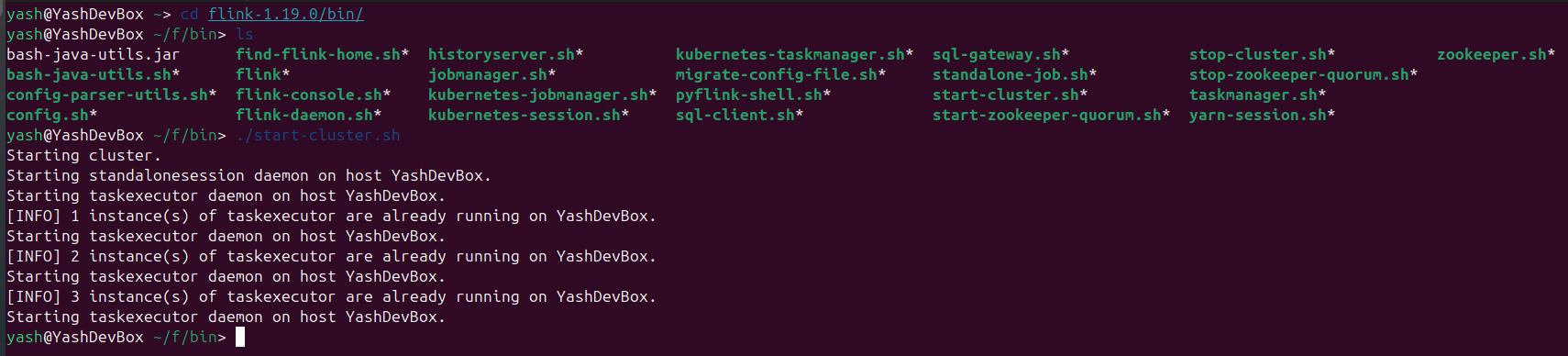
yash@YashDevBox ~> cd flink-1.19.0/bin/
yash@YashDevBox ~/f/bin> ./start-cluster.sh

# Create a starter application
mvn archetype:generate \
  -DarchetypeGroupId=org.apache.flink \
  -DarchetypeArtifactId=flink-quickstart-java \
  -DarchetypeVersion=1.19.1 \
  -DgroupId=com.example \
  -DartifactId=flink-1.19-app \
  -Dversion=1.0-SNAPSHOT \
  -Dpackage=com.example \
  -DinteractiveMode=false
I have attached the sample project, that you can Download here
Once the project is setup with the correct flink packages, then submit the job to the flink cluster.
yash@YashDevBox ~>flink run -c com.example.DataStreamJob target/flink-1.19-app-1.0-SNAPSHOT.jar
The Stream execution environment will pick the running cluster and will deploy the job there. You can open a stocket stream locally as the source. You can view the cluster at http://localhost:8081
StreamExecutionEnvironment env = StreamExecutionEnvironment.getExecutionEnvironment();
DataStreamSource<String> streamSource =  env.socketTextStream("localhost", 4567);